Web UI Control Plane
The Control Plane provides a centralized web interface for managing and monitoring your Gluesync deployment, accessible via secure port 443 (over HTTPS, in production environments) or port :1717 (if reverse proxy is disabled).
Getting Started
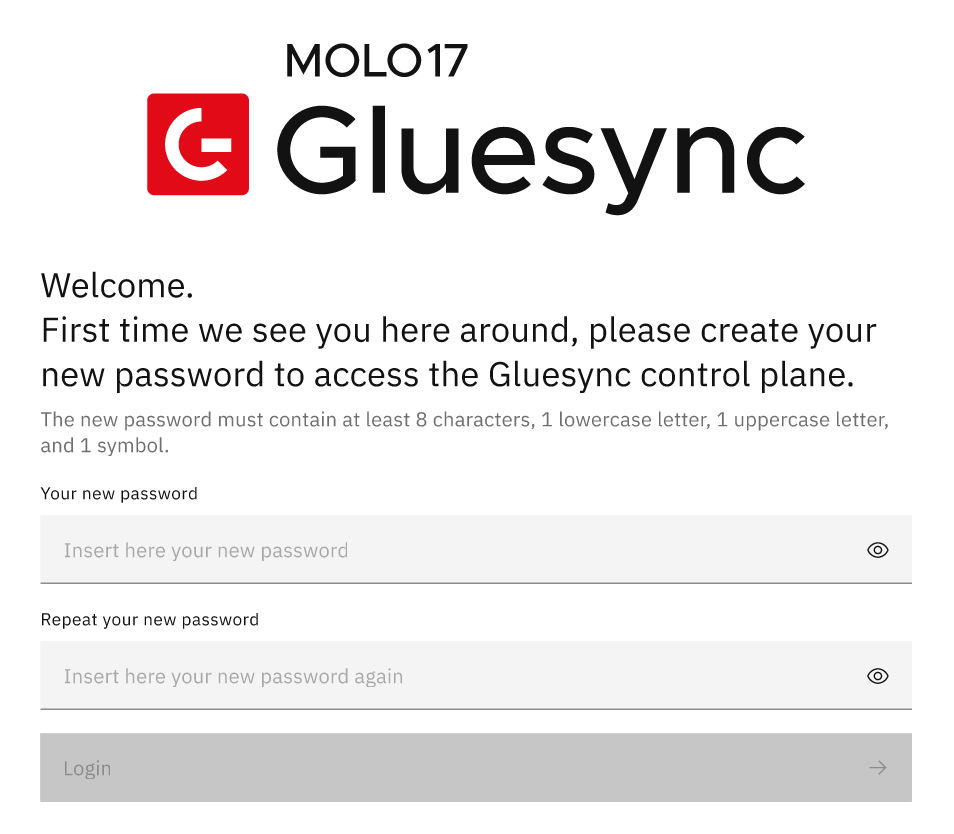


Pipeline Management
Pipeline Overview Screen
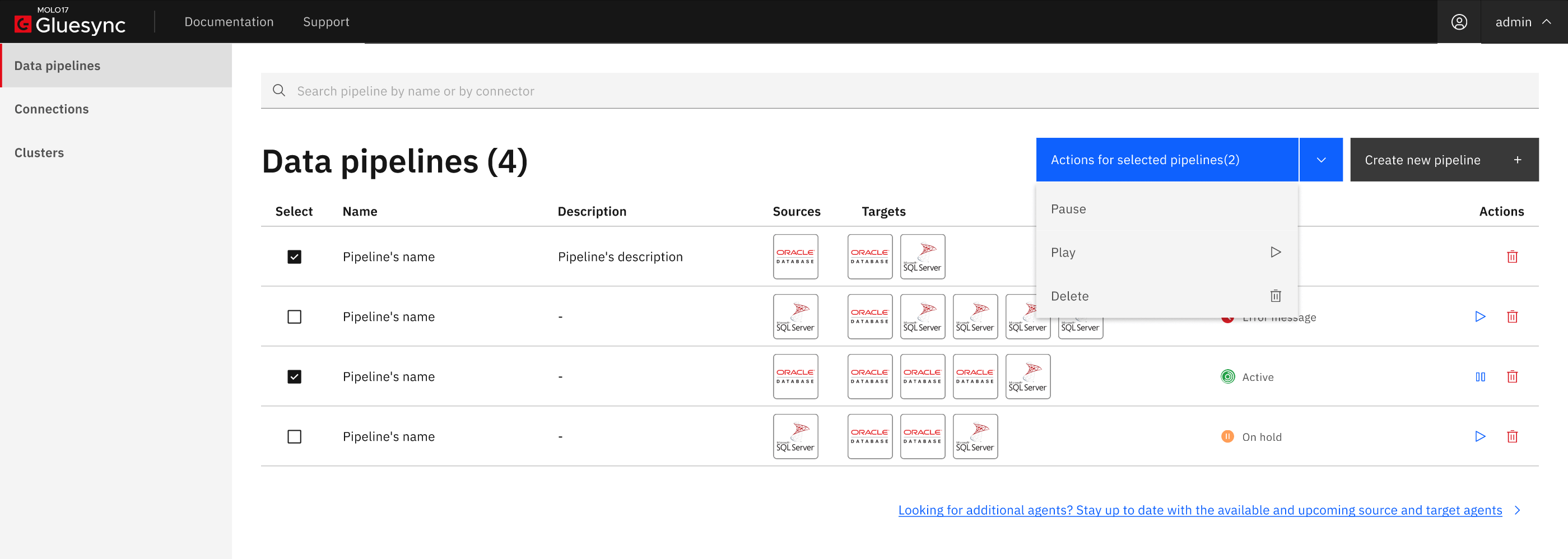
Pipeline States
| State | Description |
|---|---|
Healthy |
All agents are connected and operational. The pipeline is actively replicating data with no detected issues. |
Warm up |
The pipeline is initializing. System components and agent services are being brought online. The pipeline will transition to healthy once all agents complete their configuration and establish connections. This is a normal, temporary state during startup. |
Draft |
The pipeline configuration is incomplete. Agents are awaiting configuration before the pipeline can be activated. |
Maintenance |
The pipeline is in maintenance mode. All replications are paused and agents are disconnected. This state is typically triggered manually for system upgrades or troubleshooting. |
Unhealthy |
One or more agents are reporting errors or have lost connectivity. Check the agent logs and status details for specific error information. |
Pipeline warm up
When a pipeline is first started or restored from a paused state, it enters the warm up state. During this phase, the Core Hub initializes each agent service, loads configurations, and establishes connections to the source and target databases. The Control Plane displays a loading indicator while the pipeline is warming up, and the entity list is temporarily unavailable until the process completes.
|
The warm up state is temporary and typically lasts only a few seconds. Once all agents report as healthy and connected, the pipeline automatically transitions to the healthy state and normal replication resumes. |
If a pipeline remains in warm up for an extended period, verify that:
-
All agent containers or processes are running and reachable.
-
Network connectivity between the Core Hub and agents is stable.
-
Agent configurations are valid and complete (check for agents in draft status).
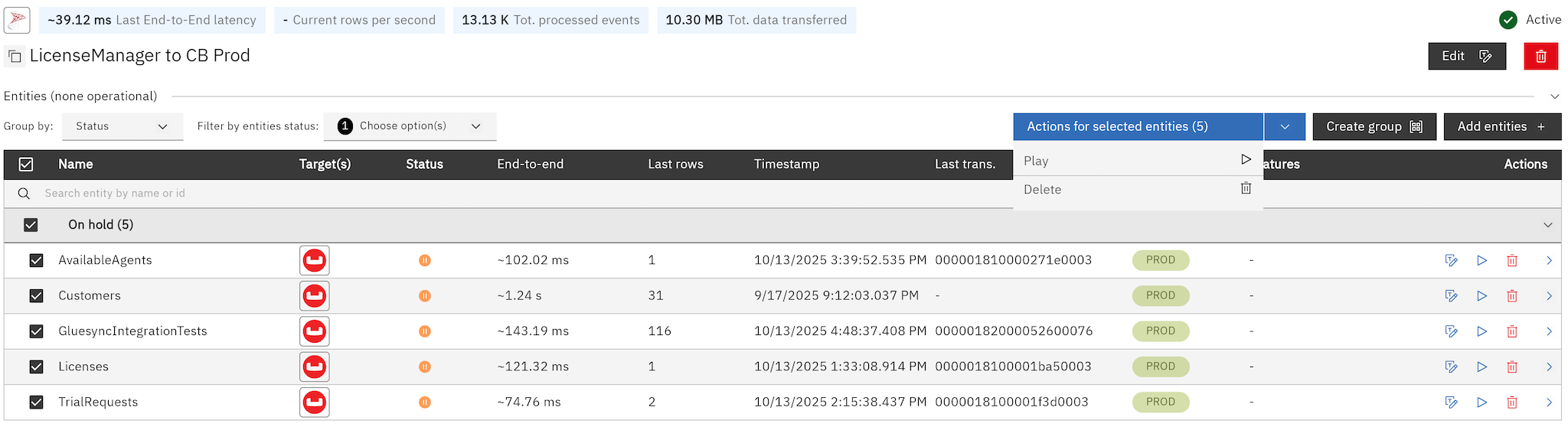
System Status and Monitoring
The Control Plane UI includes comprehensive monitoring capabilities for your pipelines and agents. For detailed information about monitoring features, refer to the Control Plane Monitoring documentation.
Entity Management
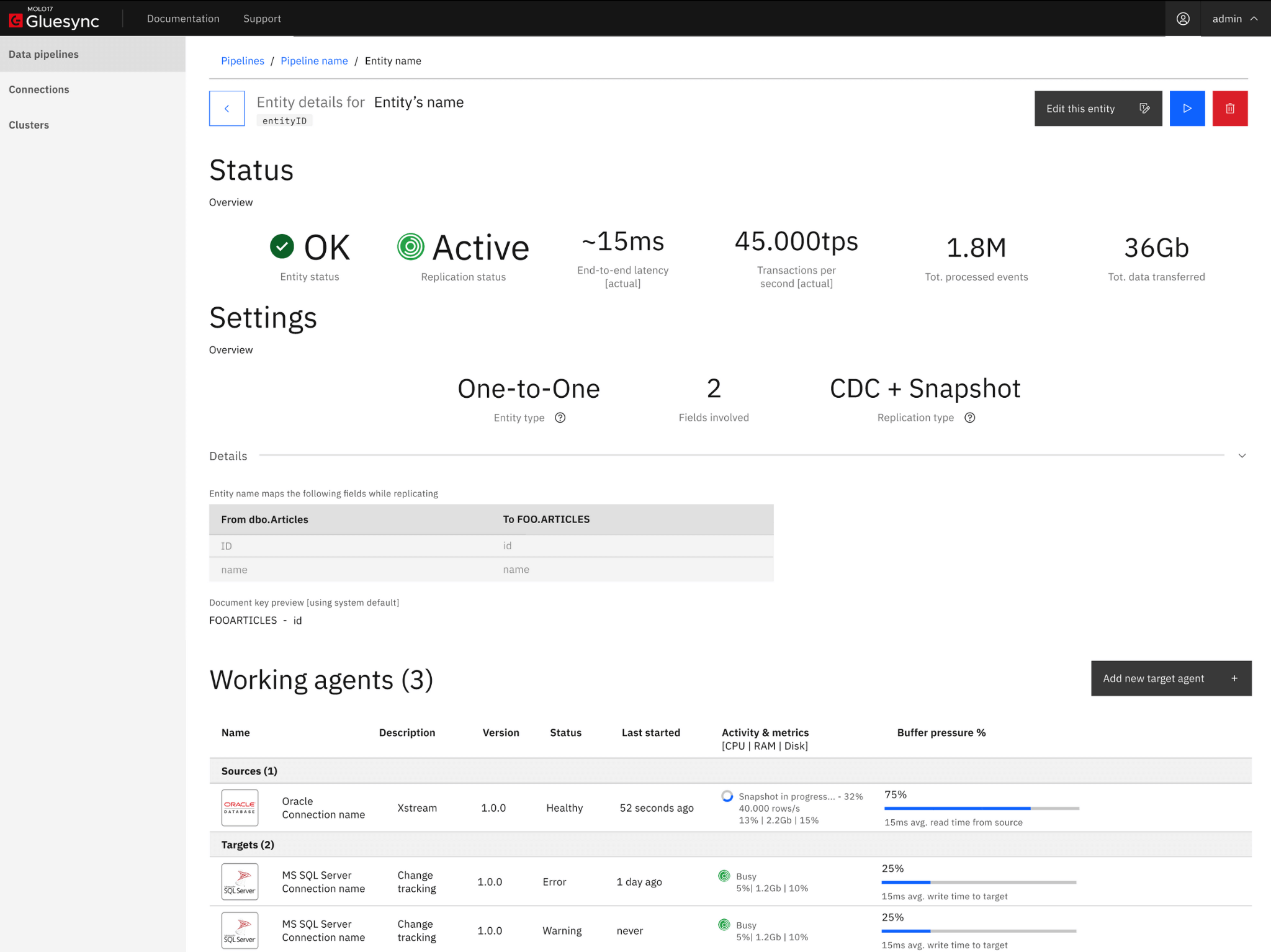
Entity Overview
| Component | Details |
|---|---|
Entity Name |
Unique identifier |
Type |
Configuration type (e.g., One-to-One) |
Sources |
Connected source agents |
Targets |
Connected target agents |
User Management
|
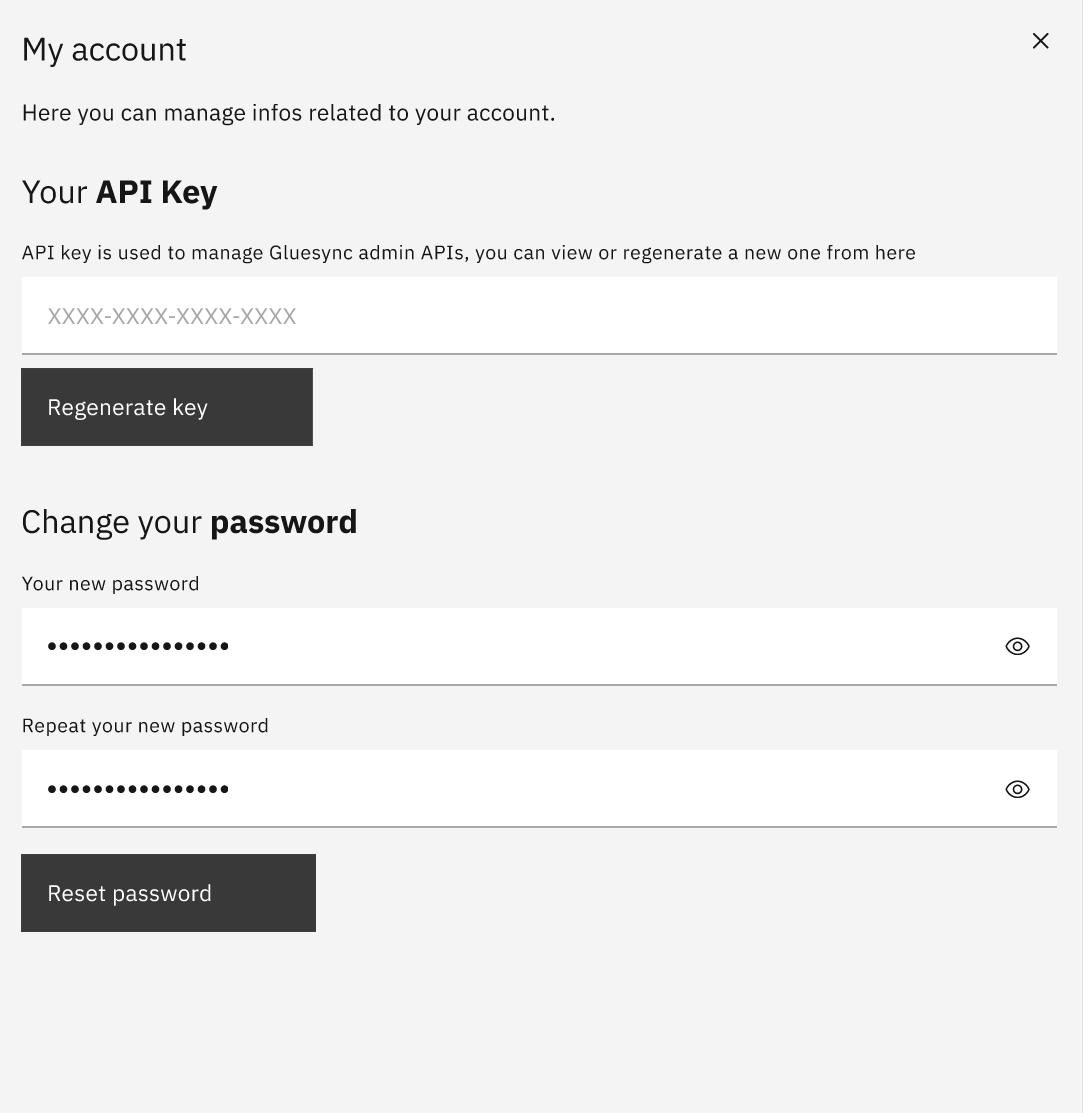
Version 2.0 features: * Single admin user support * API key management * Password management Enhanced user management coming in future releases |
|
For optimal use:
|