How to create a support ticket
This guide provides a step-by-step walkthrough for creating and submitting support tickets via the Gluesync support portal.
Step 1: Product Selection
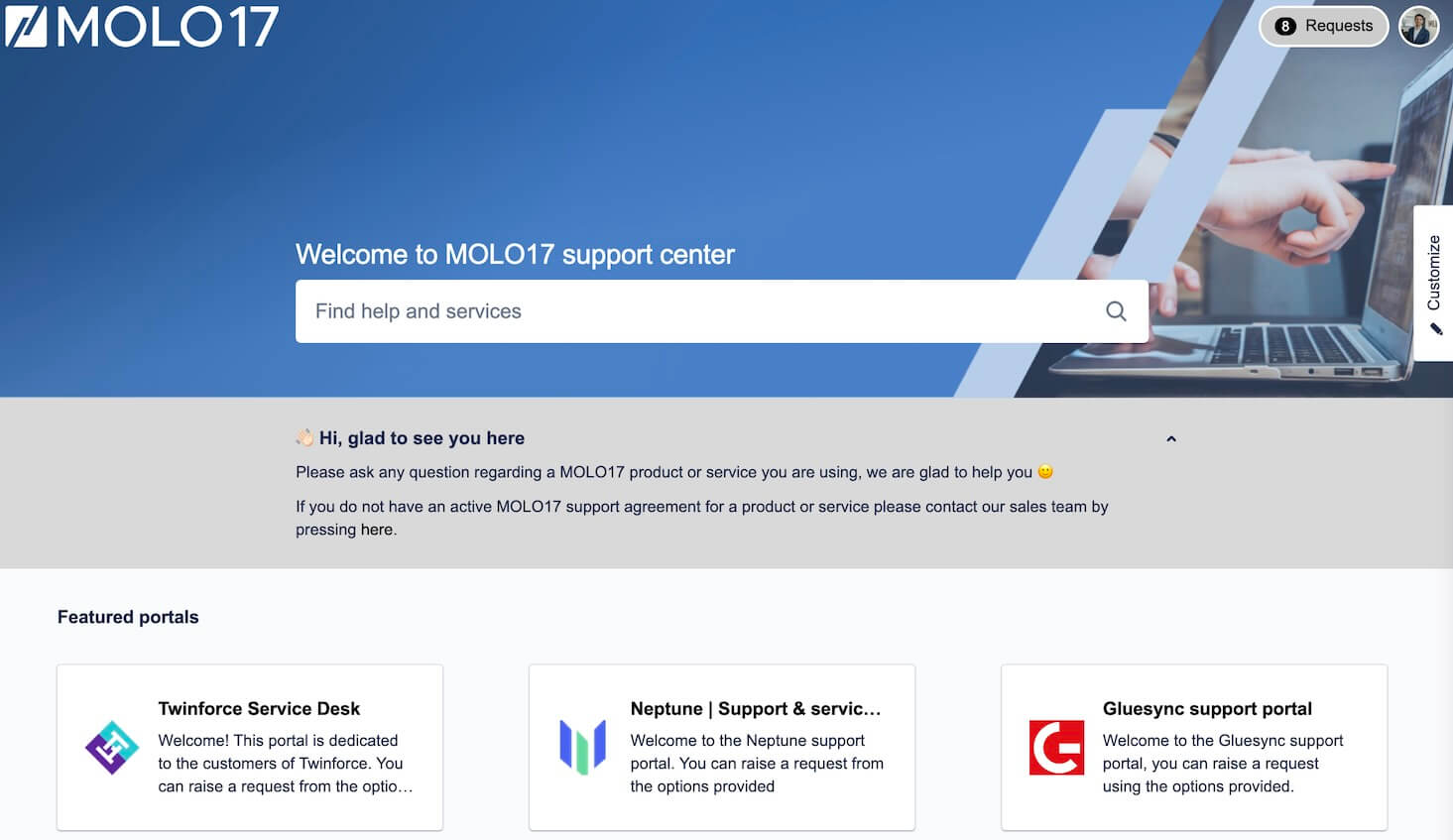
Figure 1. Select Gluesync from Products Menu
|
Select "Gluesync" from the available products menu to ensure your ticket is routed to the correct support team. |
Step 2: Issue Classification
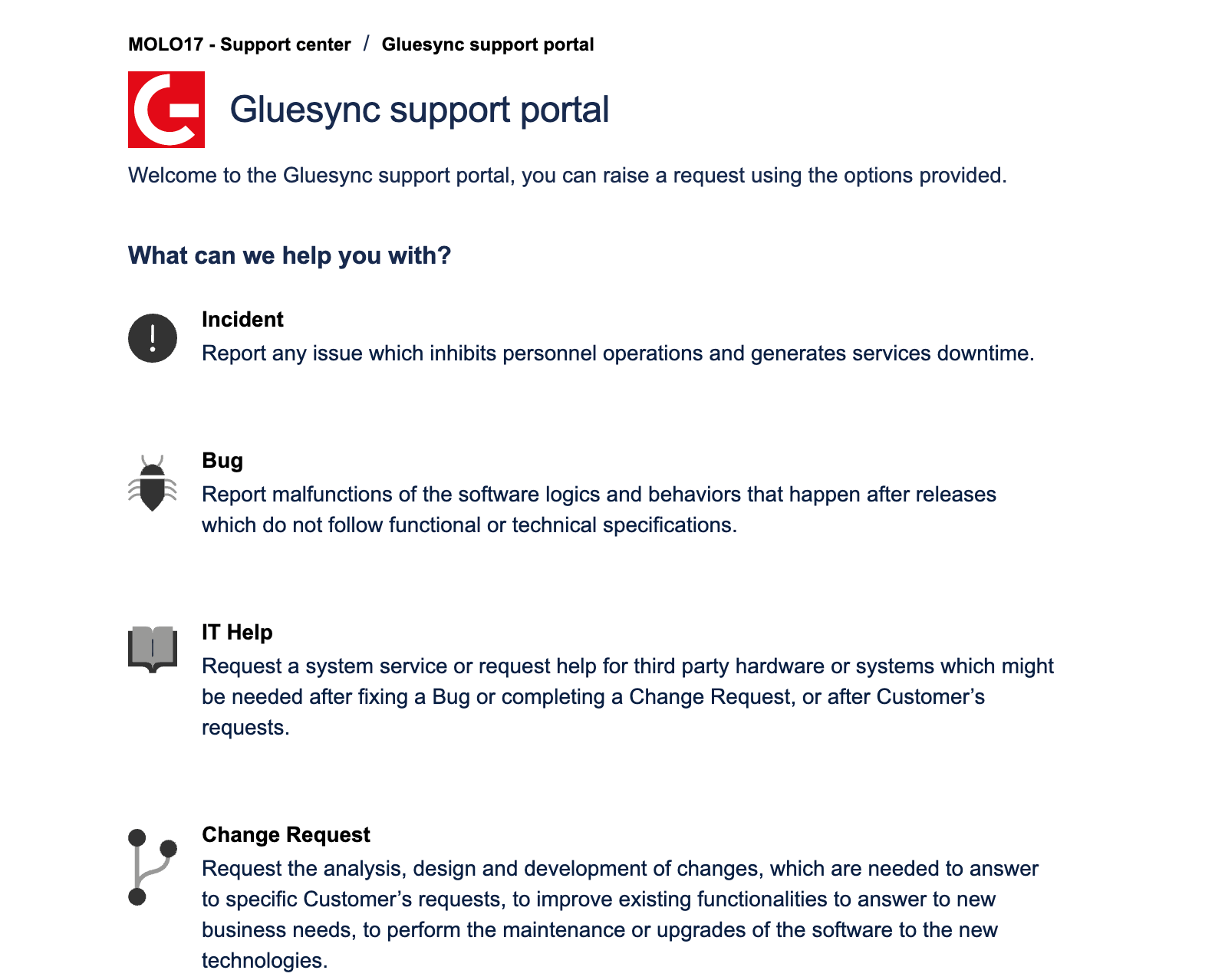
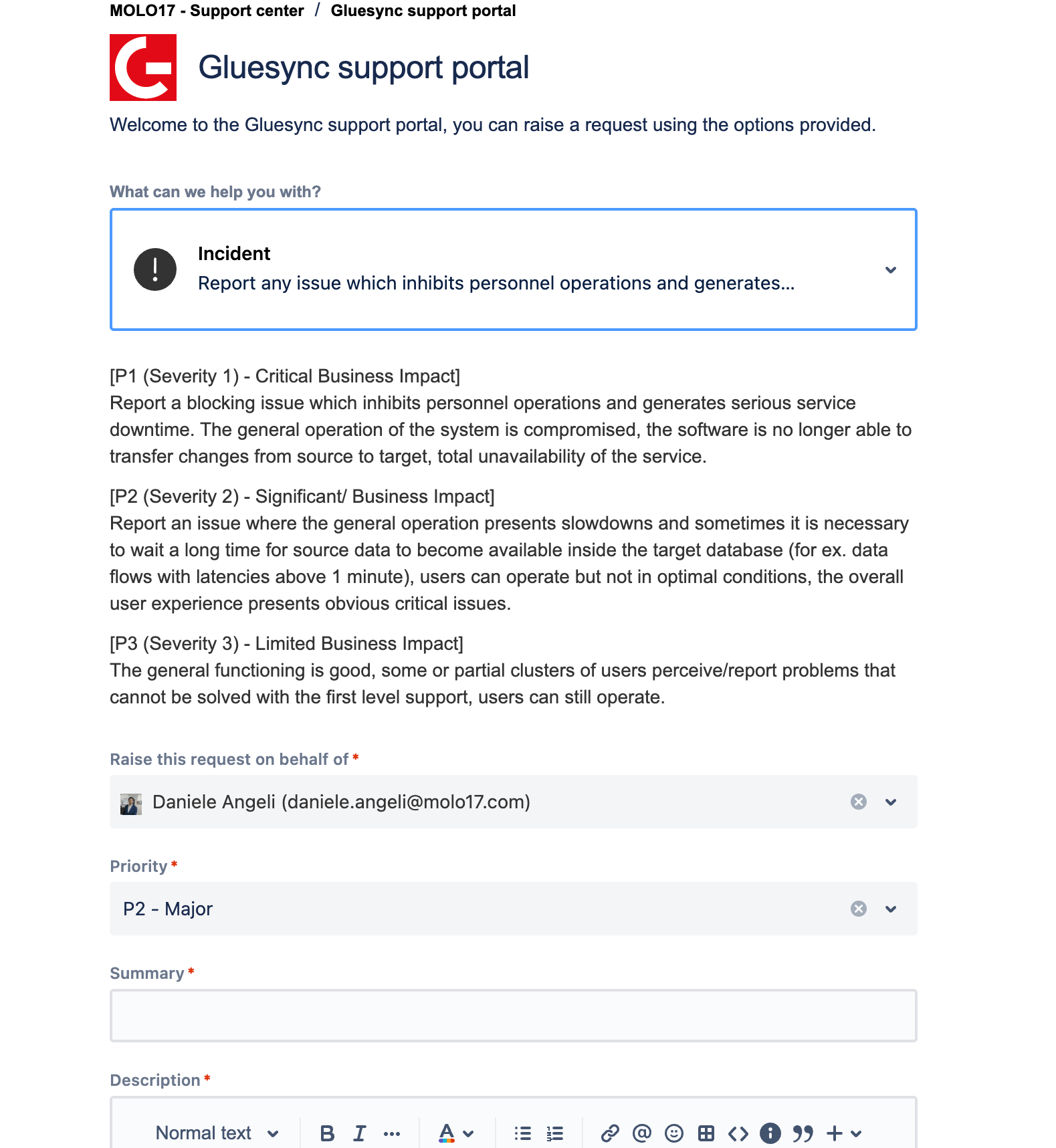
Figure 2. Choose Issue Type
| Issue Type | Description |
|---|---|
Incident |
Production system issues affecting service |
Bug |
Software defects or unexpected behavior |
IT Help |
Technical assistance and configuration support |
Change Request |
Feature enhancements or modifications |
Please avoid using incident issue type for non-production issues.