Get support
Support portal
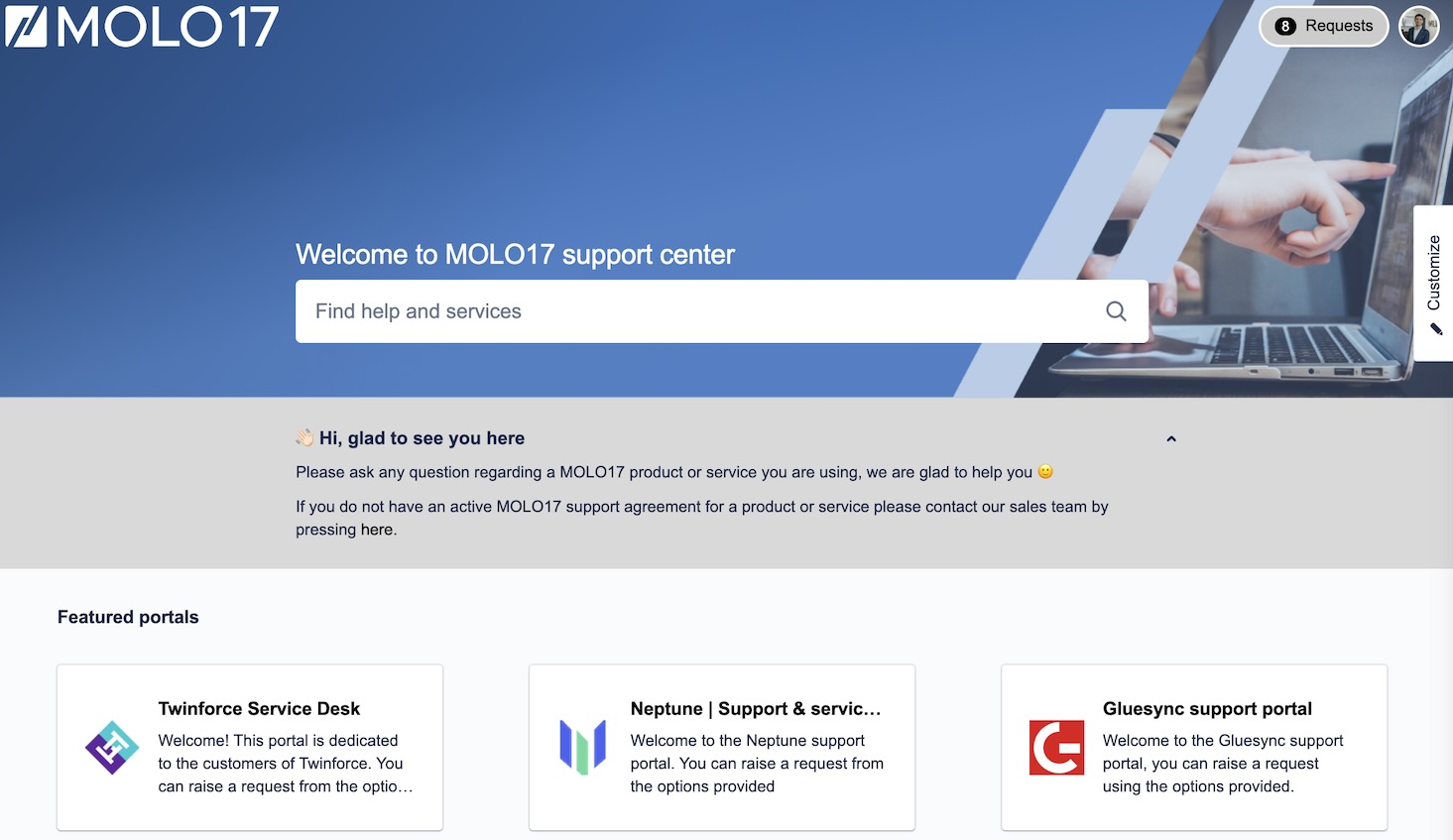
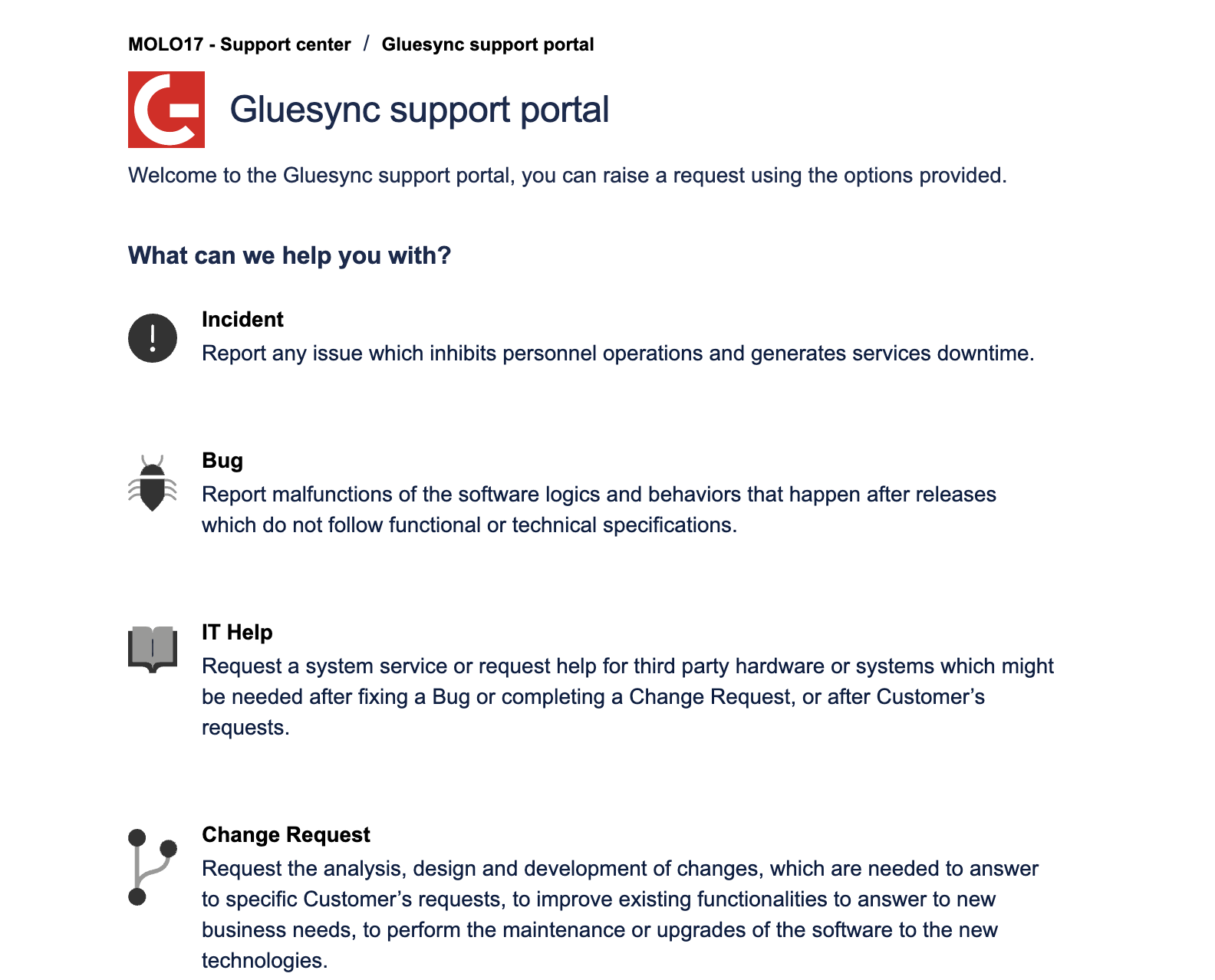
To access the MOLO17 support portal (also referred to service desk) you can directly access the following link https://support.molo17.com and enter the credentials provided to you by our team.
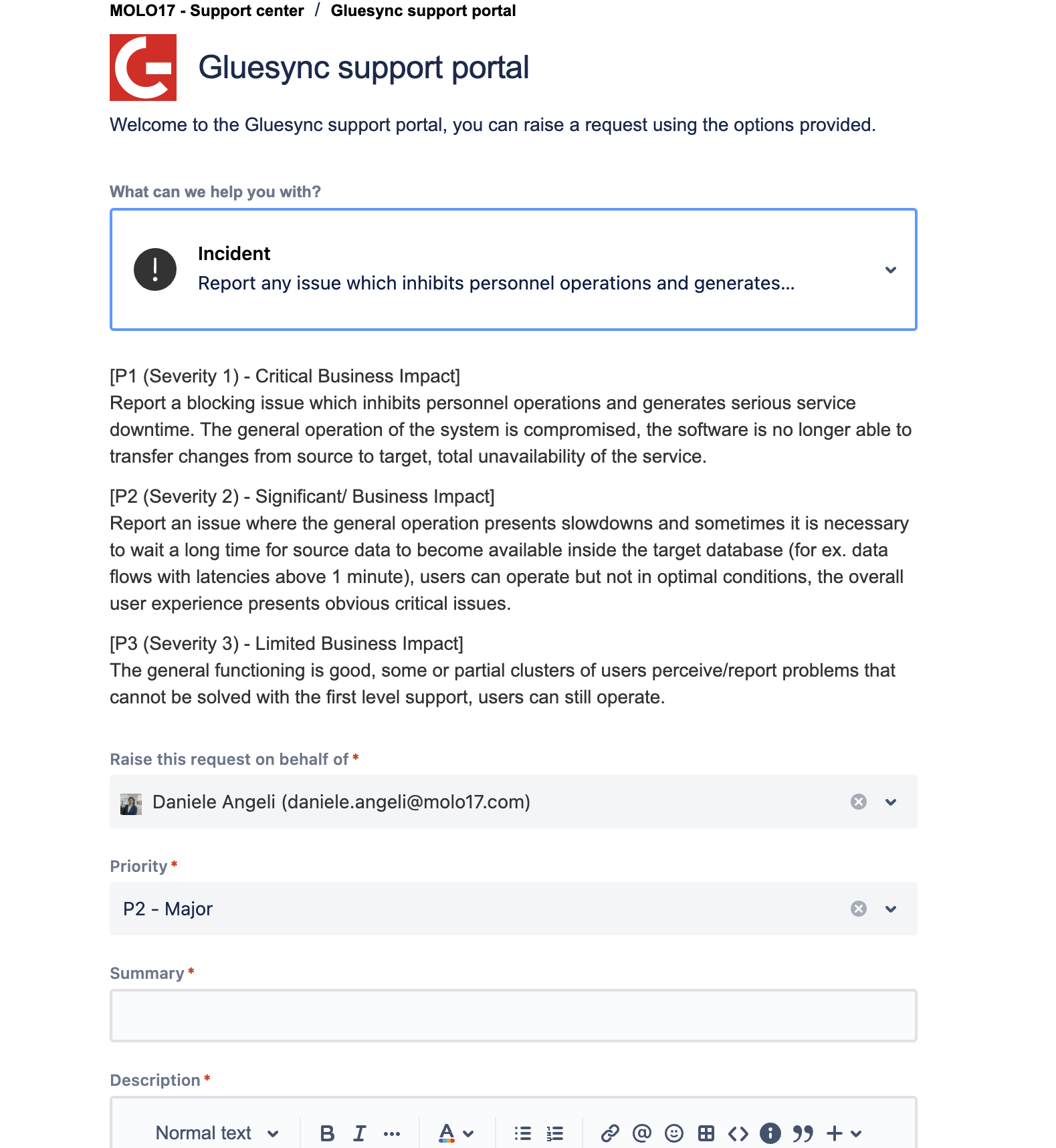
We will require you to provide us with the e-mail addresses of your technical team members so that they can be added to the support portal, to be able to raise issues and check for ticket updates.
Don’t have access to the portal yet? Please write us an email writing to Request portal access to let us know your request, we will be pleased to activate the needed users.
The support portal is reachable 24/7 via the given link using personal credentials.